Find the right asset
Scan its individual QR label and check the reference, location and identity against the equipment in front of you.
From requirements to verified action
At the point of work
Records, resources and resilience
Access, evidence and oversight
RPG INSIGHTS · ISSUE 035 · 8 NOVEMBER 2026
Scan the label. Open the record on your phone. Find the information you need beside the asset.
You are standing beside a piece of equipment. You need to know who owns it, what maintenance is due and where the latest certificate is held. The answer should be easier to reach than a spreadsheet on another computer or an attachment in somebody else's inbox.
The RPG Excellence Asset Management upgrade brings that information into a connected asset record, accessible through an individual QR code and your authorised account.
Open Asset ManagementUse your phone browser. No return to a desktop is needed to open the record. Sign-in, connectivity, company allocation and the appropriate permissions are required.
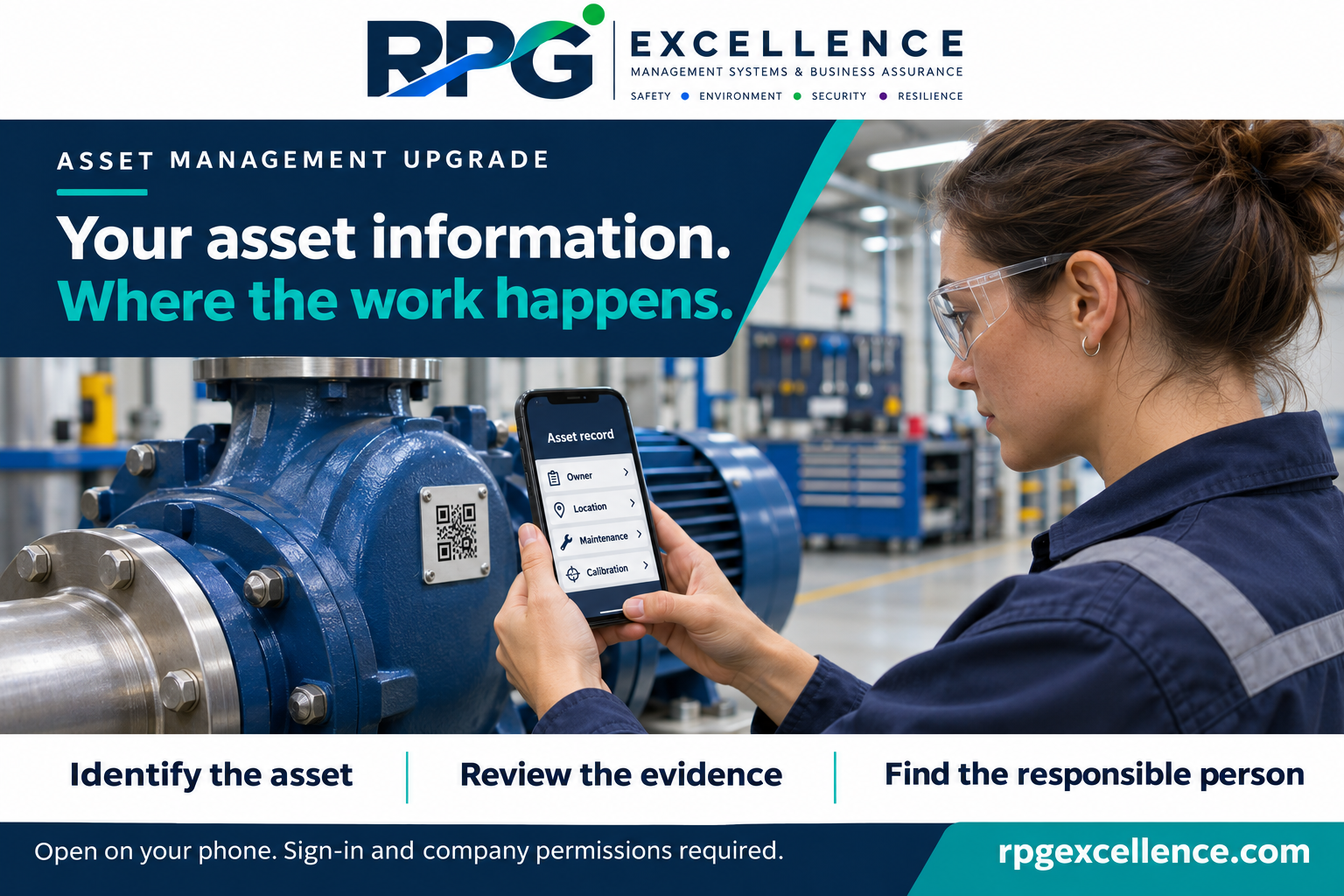
Scan its individual QR label and check the reference, location and identity against the equipment in front of you.
Review recorded maintenance and independent calibration requirements, dates, work history and available evidence.
Identify the accountable owner and maintenance coordinator, then follow the relevant work, issue or change record.
An asset register can tell you that a pump, boiler, instrument or machine exists. The operational question usually needs more detail. Is there planned work? Who is coordinating it? Has the calibration certificate been reviewed? Is a modification still being managed?
When that information sits in separate places, people spend time finding it and checking whether it refers to the same item. Connecting the asset identity to its owner, work history and evidence can reduce that search effort and make handovers easier to follow. The benefit depends on maintaining accurate records, current responsibilities and useful evidence.
The upgrade gives Asset Management its own workspace: Dashboard, Create New Asset, Asset Register and Maintenance & PPM. Administration continues to hold controlled company and site information, while assets have a clear place in the working day.
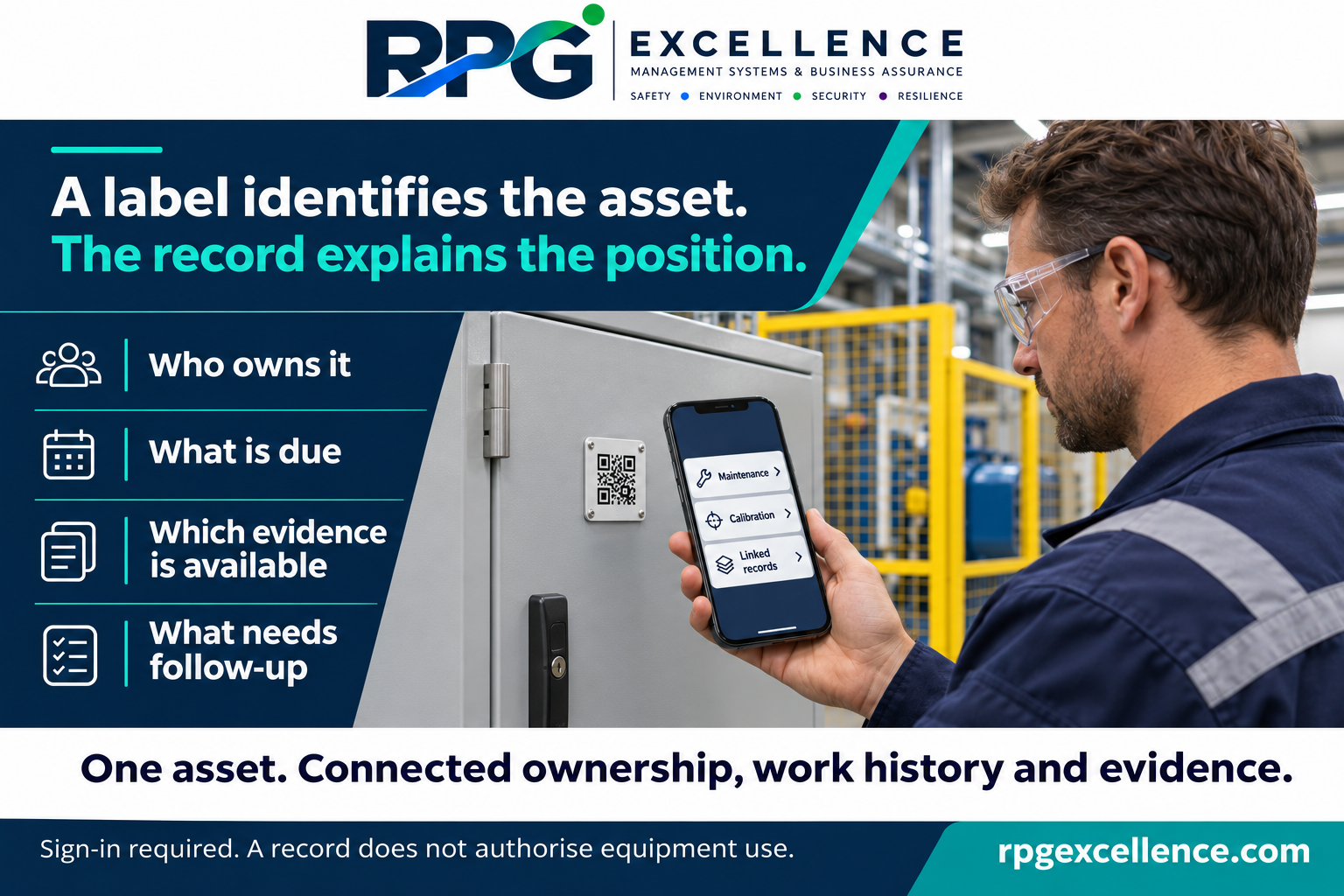
Each asset has an individual QR code. An authorised user can download a small printable label showing the asset identity, accountable owner, location and QR. The full asset record also displays its own QR.
Scan the equipment label with your phone and open the asset record in the browser. If you are not signed in, sign in with your own account. The system checks your company and permissions before returning the information. The QR is a direct route to the record, not a public access pass.
For a facilities engineer moving between buildings, an equipment owner on the workshop floor or a manager reviewing an item during a site walk, this removes the need to return to a desktop simply to locate the record. It does not remove the need to check the physical equipment and follow the task controls.
The redesigned register cards put identity, location, accountable owner, criticality, PPM requirement and next maintenance in a readable summary. Linked records expand when more detail is needed. Secondary actions sit together, leaving the main route into the asset record easy to find.
The full record separates identity and ownership, maintenance and calibration, NC CAPA and MOC, documented controls and work history. That structure helps a user move from a headline status to the details behind it: the responsible person, the relevant date, the work scope and the supporting evidence.
Record visibility follows the permissions of the source module. If a linked issue or document is restricted or unavailable, that must not be taken to mean there is nothing outstanding.
A completed service does not necessarily establish that a measuring instrument is suitable for its intended measurement. The updated asset form treats PPM or periodic inspection and calibration as independent requirements, with their own dates and control information.
When an existing asset is first registered, previous maintenance and calibration evidence can be recorded with the actual dates, provider, report or certificate and next due date. This preserves useful history without pretending that the work was performed on the day the asset was entered.
Calibration results can be recorded as Not assessed, Within limits, Out of tolerance or Conditional. The distinction matters: storing a certificate and reviewing what its results mean are separate tasks. A competent person still needs to assess the evidence and any limitations.
Consider a hypothetical facilities handover. A technician scans a pump label before planned work. The record identifies the owner and coordinator, shows an open maintenance job and provides the linked operating information available to that user.
The technician can establish which recorded job needs attention and who to contact before work begins. The coordinator can review the work history and retain the completion report. If the work involves a material modification, the relevant change workflow remains part of the decision.
This is an illustration of the intended workflow, not a reported customer outcome. The benefit comes from the connected trail and the quality of the information entered.
Searchable tick-box selectors allow more than one asset category and more than one current controlled document to be selected. A manual, work instruction or inspection standard can be linked to the same asset while remaining controlled in the document register.
The dashboard helps direct attention to overdue and approaching work, missing dates and out-of-service assets, alongside maintenance delivery and permitted linked issues. Filters help users focus on a site, owner, asset type or maintenance window.
Asset totals and work-record totals answer different questions. If an expected job is missing from a view, check the selected company, asset, dates and filters and inspect its history. A dashboard is useful when people understand the records behind its figures.
The company Super Administrator allocates Asset Management access to active company System Users. Viewing and contribution rights differ, and linked source modules retain their own permissions. Maintenance evidence is accessed through an authenticated route.
Printed owner and location information is visible to anyone who can see the label, so label placement and disclosure need to be appropriate. Downloaded files also need normal company handling and retention controls.
Mobile access still needs connectivity. Temporary new-asset device drafts can help with interrupted data entry, but they are not an offline asset record or evidence of registration. They expire after 24 hours, files must be selected again on restoration, and online submission is needed to save the controlled record.
An Active status, a future due date or an attached certificate does not authorise equipment use. Physical condition, local instructions, isolation, competence and the relevant release decision remain essential.
Select a small group of representative assets. Check the identity, owner and location, record the appropriate maintenance and calibration controls, link current documents and verify the evidence. Print and test a label, then ask an allocated user to open the record on their phone.
Observe whether they can identify the responsible person, find the next work item and reach the relevant evidence. Record the gaps and correct them before expanding the rollout. This gives you a practical basis for judging whether access at the point of work improves your own process.
Open either poster at full size or download it for an internal briefing about the upgraded workflow. The campaign images illustrate mobile asset access; use the live system to demonstrate the actual screens and authentication.
Explore the upgraded workspace or talk to RPG Excellence about showing the workflow to your team.
Available subject to your company subscription, module allocation and permissions. Platform records support informed decisions; they do not replace competent technical or legal assessment.